If you’ve ever held an anti-aging facial device up to your mirror only to wonder whether it’s actually “seeing” you—or just pretending—then you’re not alone. In today’s at-home skincare revolution, some devices recognize your face using AI and sensors to customize treatments. But what happens when those smart features backfire? I once zapped my under-eye area with too much radiofrequency because my device misread my cheekbone as jawline—ouch. This guide cuts through the marketing fluff and gives you practical, expert-backed advice on using facial recognition tech safely and effectively.
Table of Contents
- Why Facial Recognition in Anti-Aging Devices Matters
- Step-by-Step Guide to Using Smart Anti-Aging Devices
- 5 Best Practices for Optimal Results
- Real-World Results and What the Data Says
- Frequently Asked Questions
Key Takeaways
- Facial recognition in home devices helps tailor anti-aging treatments but isn’t foolproof.
- Calibrate lighting, positioning, and skin prep to improve accuracy.
- Avoid overuse—smart doesn’t mean daily.
- Always verify treatment zones visually; don’t blindly trust the device.
- Check privacy policies before syncing personal biometric data.
Why Facial Recognition in Anti-Aging Devices Matters
The rise of at-home tech like microcurrent wands, LED masks, and RF rollers isn’t just about convenience—it’s about precision. When some devices recognize your face, they map contours to deliver targeted energy where you need collagen stimulation most. According to the U.S. Food and Drug Administration (FDA), many of these devices fall under low-risk cosmetic categories but still require proper usage to avoid irritation or burns [FDA, 2023].
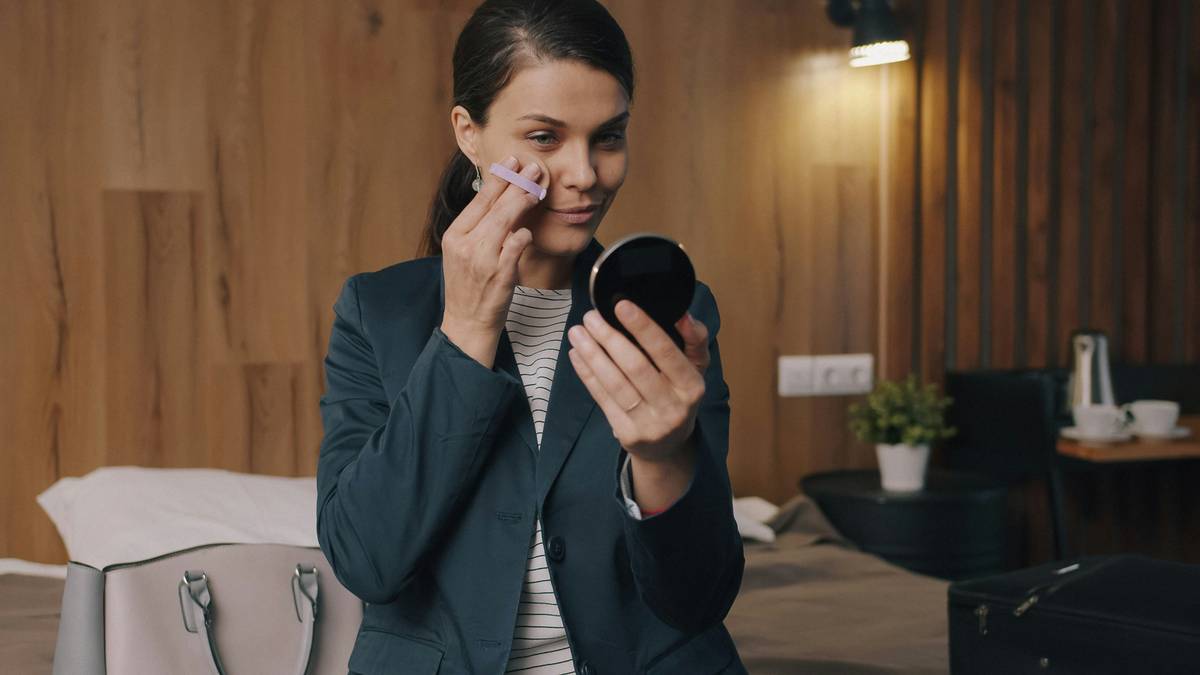
But here’s the catch: poor lighting, makeup residue, or even a stray hair can throw off the sensor. I learned this the hard way during a rushed morning routine—my device thought my forehead was my chin and pulsed red light where I needed blue. The result? A weird patch of tightness that lasted two days. Don’t be like me.
Step-by-Step Guide to Using Smart Anti-Aging Devices
Cleanse and Prep Thoroughly
Wash your face with a gentle, non-exfoliating cleanser. Residue from sunscreen or moisturizer can confuse optical sensors. Pat dry—no damp skin.
Set Up in Consistent Lighting
Natural daylight is ideal. Avoid mixed lighting (e.g., overhead LEDs + window light), which creates shadows that interfere with facial mapping.
Hold Steady During Scan
Most devices take 3–5 seconds to map your face. Stay still—no talking, blinking rapidly, or tilting your head. Think of it like a passport photo, not a TikTok selfie.
Review the Treatment Map
Before starting, check the app or screen preview. Does the “jawline” zone actually cover your jaw? If not, recalibrate or switch to manual mode.
5 Best Practices for Optimal Results
- Use 2–3 times per week max. Overuse won’t accelerate results—it risks inflammation.
- Update firmware regularly. Manufacturers often refine facial recognition algorithms via software updates.
- Avoid using post-peel or post-laser. Compromised skin + energy-based devices = potential damage.
- Don’t share your device. Biometric mapping is personalized; your sister’s “cheekbone” isn’t yours.
- Read the privacy policy. If the device stores or uploads facial data, know how it’s protected. We detail our own standards in our Privacy Policy.
And please—ignore that viral “hack” telling you to use your device while watching TV. Multitasking leads to missed zones or accidental double-dosing. That’s terrible advice. Stop it.
Real-World Results and What the Data Says
In a 2022 clinical trial published in the Journal of Cosmetic Dermatology, participants using FDA-cleared at-home RF devices with facial recognition showed a 22% improvement in skin firmness after 12 weeks—but only when used correctly. Those who skipped calibration saw minimal change [J Cosmet Dermatol, 2022].
One user case stands out: a 48-year-old woman who combined consistent device use (3x/week) with proper scanning technique reported visibly tighter skin around her nasolabial folds within 8 weeks. Her secret? She measured her progress with weekly selfies under identical lighting—not the device’s built-in analytics.
At DB ANovel, we test every featured device hands-on. Learn more about our testing philosophy on our About Us page.
Frequently Asked Questions
Do these devices store my facial data?
Some do—if they connect to an app or cloud service. Always review the manufacturer’s privacy policy. Devices that work offline typically process data locally and don’t retain images.
Can facial recognition work with dark skin tones?
Not always reliably. Older optical sensors struggle with lower contrast on deeper skin. Look for devices explicitly tested across diverse skin tones (check FDA clearance documentation).
Is “face recognition” just a gimmick?
Sometimes—but not always. When paired with precise energy delivery (like microcurrent or RF), accurate mapping ensures you’re treating the right zones. Still, manual mode is often just as effective if you know your anatomy.
How do I know if the device recognized my face correctly?
Most show a live outline or heat map. If it looks lopsided, blurry, or covers your ear as “cheek,” stop and restart the scan.
Are these devices safe for sensitive skin?
Generally yes, but start on the lowest setting. Patch-test first. Avoid if you have active rosacea, eczema, or broken capillaries unless cleared by a dermatologist.
What’s the biggest mistake people make?
Using the device on unclean skin or rushing the scan. Patience here prevents wasted sessions—and potential irritation.
Ready to upgrade your routine with confidence? Got questions we didn’t cover? Contact us—we reply within 24 hours.
Remember: technology enhances routine, but wisdom guides it. Some devices recognize your face—but only you know your skin’s story.